AI-Adjacent Jobs for Graphic Designers to Pivot Into
Explore realistic AI-adjacent jobs for graphic designers, from product design to content, research, and operations roles.
Ian Cummings
2x Founder, Game Developer
AI-Adjacent Jobs for Graphic Designers Who Want a Career Pivot
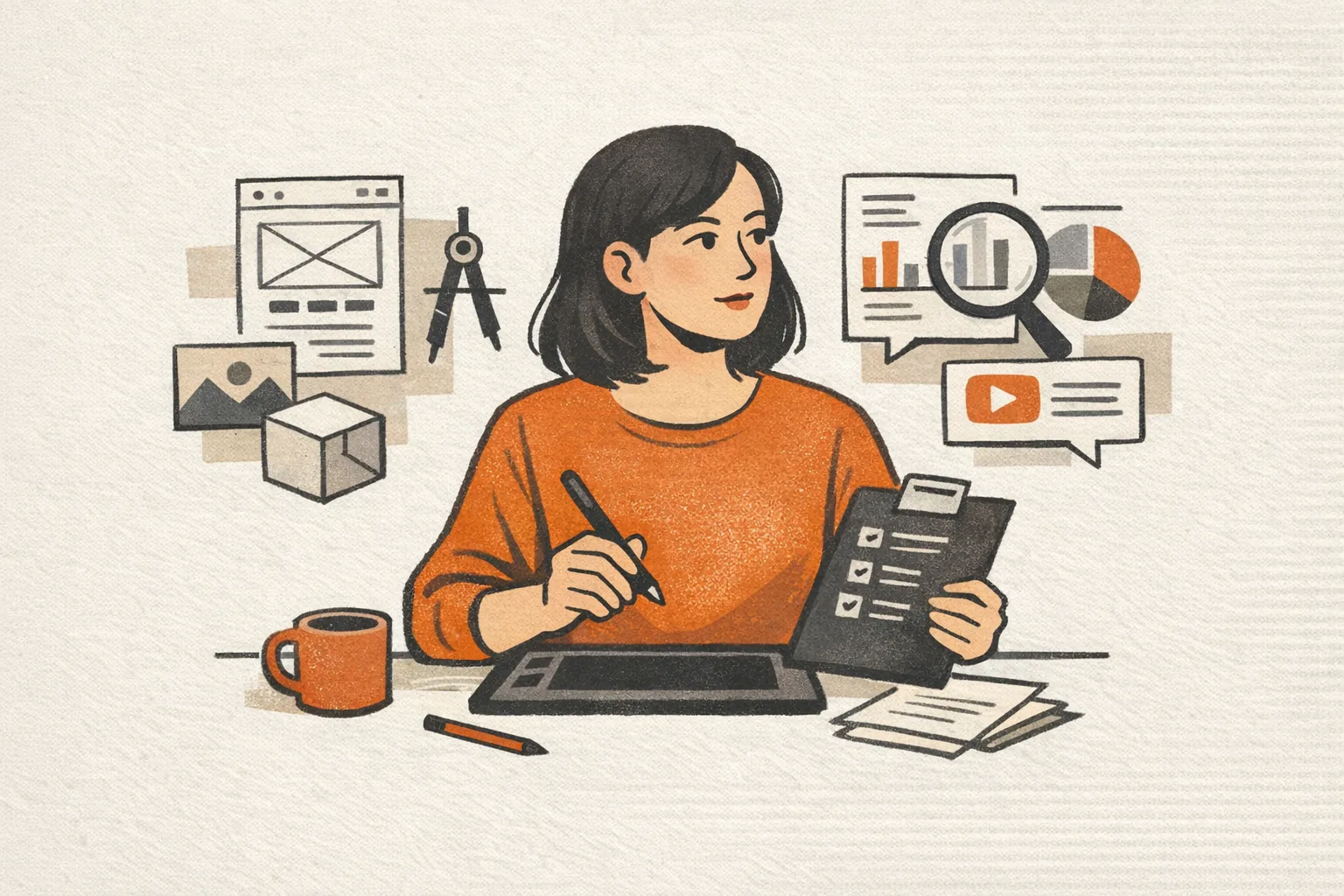
If you're a graphic designer wondering whether AI is shrinking your options or creating new ones, the honest answer is: both. Some production-heavy design tasks are getting faster and cheaper. But at the same time, companies still need people who can turn messy ideas into clear visuals, shape product experiences, and make AI-generated output actually usable.
That creates a practical question: what jobs can a graphic designer realistically pivot into without starting over?
The best options usually aren't "quit design forever" roles. They're AI-adjacent jobs where your design background still matters, but the day-to-day work expands into strategy, systems, product thinking, research, or content operations.
If you want a broader look at career-change paths, start with our guide for designers exploring their next move. This article focuses specifically on AI-adjacent roles that are close enough to your current skills to be realistic, but different enough to open new doors.
What "AI-adjacent" actually means
An AI-adjacent role is not necessarily a machine learning job.
In most cases, it means you work on products, workflows, or teams that use AI, without needing to become a data scientist. Companies still need people who can:
- design interfaces around AI features
- explain complex outputs clearly
- create trust and usability in ambiguous experiences
- build repeatable content and brand systems
- improve human review workflows
- connect user needs to product decisions
That is why designers are often better positioned than they think. You may not have formal AI credentials, but you probably already know how to simplify complexity, communicate visually, and make imperfect systems easier to use.
1. Product designer on AI features
This is one of the most natural pivots if you've already worked on digital products, marketing sites, SaaS tools, or app experiences.
AI products often have unusual UX problems:
- outputs can be inconsistent
- users need confidence and transparency
- empty states and error states matter more
- onboarding has to teach new mental models
- users need ways to edit, reject, or refine results
A graphic designer moving into product design can be especially valuable if they already have strengths in layout, hierarchy, interaction clarity, and brand consistency.
What to emphasize from your background
- visual communication
- design systems
- user flows you've influenced
- collaboration with product or engineering teams
- examples where you simplified a confusing experience
What to learn next
- UX fundamentals
- wireframing and prototyping
- product thinking
- basic research habits
- how AI UX differs from standard feature design
You do not need to become an expert in model architecture. You need to show that you can design trustworthy experiences around probabilistic outputs.
2. Conversation designer or AI content designer
As more products include chat, assistants, guided prompts, and generated content, companies need people who can shape how those interactions feel.
This role sits between UX writing, content design, and product design. It can be a strong fit for designers who are good at structure, tone, and user empathy.
You might work on:
- prompt flows
- assistant responses
- fallback messaging
- onboarding copy
- error handling
- human handoff moments
- content patterns for generated outputs
Graphic designers with strong brand instincts often do well here because they already understand consistency, audience, and how small wording changes affect perception.
Good signals in your portfolio
- campaign systems with clear messaging logic
- landing pages where copy and design worked together
- UX microcopy or interface content
- brand voice work
- examples of reducing confusion through structure
If you've always been "the designer who also fixes the words," this path is worth a serious look.
3. Design systems or creative operations roles
AI is increasing the amount of content teams can produce. That sounds exciting until the volume becomes chaos.
Many companies now need people who can create systems, templates, governance, and workflows so teams can move faster without destroying quality.
That makes design systems and creative operations more valuable, not less.
Possible titles include:
- design systems designer
- brand systems lead
- creative operations manager
- content operations specialist
- workflow or enablement lead
These roles are especially good for designers who enjoy order, consistency, documentation, and process improvement more than pure concept work.
Why this is AI-adjacent
When AI speeds up production, the bottleneck often shifts to review, consistency, approvals, and implementation. Someone has to define:
- what good output looks like
- which templates teams should use
- where human review is required
- how brand standards are maintained
- how assets are organized and reused
That work is strategic. It is also highly transferable from many in-house design jobs.
4. UX researcher or research operations support
Not every designer wants to stay in execution-heavy visual work. If your favorite part of a project is understanding users, spotting patterns, and influencing decisions, research-adjacent roles may fit.
AI products create lots of unanswered questions:
- Do users trust the output?
- Where do they get confused?
- What level of control do they expect?
- When do they want automation versus manual editing?
- What makes an AI feature feel helpful instead of risky?
Designers who already run informal feedback sessions, synthesize stakeholder input, or advocate for user clarity may be closer to research work than they realize.
You may not jump directly into a senior UX researcher role, but adjacent paths can include:
- research coordinator
- research ops
- junior UX researcher
- product analyst with strong qualitative skills
Skills to build
- interview planning
- usability testing
- synthesis frameworks
- insight communication
- basic survey design
This path is strongest for designers who like asking why more than polishing visuals.
5. Prompt workflow specialist or human-in-the-loop reviewer
Some AI-adjacent jobs are less glamorous, but they can be practical bridge roles.
Companies building AI-enabled products often need people to:
- test prompt patterns
- review generated outputs
- flag quality issues
- improve workflow instructions
- document edge cases
- help teams understand where automation breaks down
These roles may appear under titles like:
- AI content specialist
- prompt operations specialist
- quality reviewer
- human-in-the-loop operator
- AI workflow analyst
For a designer, this can be a useful transition if you want exposure to AI products quickly while building domain knowledge. It may not be your forever role, but it can help you move from traditional design into product, content, or operations work around AI.
The key is to avoid getting stuck presenting it as "I clicked buttons in AI tools." Frame it as systems thinking, quality control, pattern recognition, and workflow improvement.
6. Marketing design to growth or lifecycle roles
If your background is mostly in brand, campaign, or marketing design, an AI-adjacent pivot does not have to mean moving into product.
Many growth and lifecycle teams now use AI heavily for testing, personalization, content generation, and campaign operations. Designers who understand conversion, messaging, and experimentation can expand into roles such as:
- growth designer n- lifecycle marketing specialist
- conversion rate optimization specialist
- content strategist
- campaign operations manager
These roles are adjacent to AI because teams increasingly rely on automation and generated content, but still need humans who understand audience behavior and can judge what actually works.
Your edge as a designer
- you know how people scan and respond visually
- you understand brand trust
- you can connect creative decisions to performance
- you can improve landing pages, emails, and funnels
If you enjoy business impact more than pure craft, this can be one of the fastest pivots.
How to choose the right pivot
Do not start by asking, "Which AI job pays the most?"
Start by asking which parts of your current work already energize you.
A simple way to sort your options:
You may like product design if you enjoy
- interfaces
- problem solving
- prototyping
- feature thinking
- cross-functional collaboration
You may like content or conversation design if you enjoy
- messaging
- structure
- clarity
- tone
- reducing confusion with words
You may like systems or operations if you enjoy
- templates
- documentation
- consistency
- process improvement
- scaling quality across teams
You may like research if you enjoy
- interviews
- synthesis
- user behavior
- insight generation
- influencing decisions upstream
The best pivot is usually the one that extends your strongest instincts, not the one that sounds most futuristic.
How to reposition your portfolio
If you want interviews for AI-adjacent roles, your portfolio needs to show more than polished final screens or brand mockups.
Hiring managers want evidence that you can think through ambiguity.
Update your portfolio to highlight
- the problem, not just the deliverable
- your decision-making process
- constraints and tradeoffs
- collaboration with product, engineering, or marketing
- how you improved clarity, usability, or consistency
- systems you created, not just one-off assets
If you have no direct AI project experience, that's okay. You can still frame your work around adjacent strengths:
- simplifying complex workflows
- designing for trust
- creating scalable systems
- improving content structure
- testing and iterating based on feedback
A portfolio that says "I make things look good" is weaker than one that says "I help teams make complex experiences understandable and usable."
What to learn without overcommitting
You do not need a six-month identity crisis to test one of these paths.
A better approach is to run small experiments for 30 days:
- redesign an AI feature you use often
- write a case study about improving an AI onboarding flow
- audit the UX of a chatbot or assistant
- create a sample design system for AI-generated content review
- take one UX research or product design course
- interview someone already working in an adjacent role
The goal is not to become fully qualified overnight. The goal is to gather proof that a direction fits you before making a bigger move.
A realistic way to talk about AI in interviews
You do not need to pretend you're an AI expert.
A stronger interview position is usually:
"My background is in design, but I've spent time understanding how AI changes user expectations, workflow design, and quality control. I'm especially interested in roles where design judgment still matters because the output is not fully predictable."
That sounds grounded, credible, and useful.
Final thought
AI is changing design work, but it is not eliminating the need for human judgment. It is shifting where that judgment creates the most value.
For graphic designers, the best pivots are often into roles where you still use your core strengths, but apply them to systems, products, content, or research problems that are growing because of AI.
You do not need to outrun the technology. You need to move closer to the parts of the work that technology still makes more important: clarity, trust, taste, structure, and decision-making.
That is where many of the best AI-adjacent opportunities are.
Ready to find your pivot?
Take our 5-minute assessment and get a concrete action plan, tool recommendations, and a 30-day roadmap tailored to your exact situation.
Find Your Pivot