Best Security Stack for Freelance Developers
Password managers, VPNs, backups, and privacy tools every freelance developer needs.
Ryan Yousefi
Head Writer, 20 Year Sports Writer
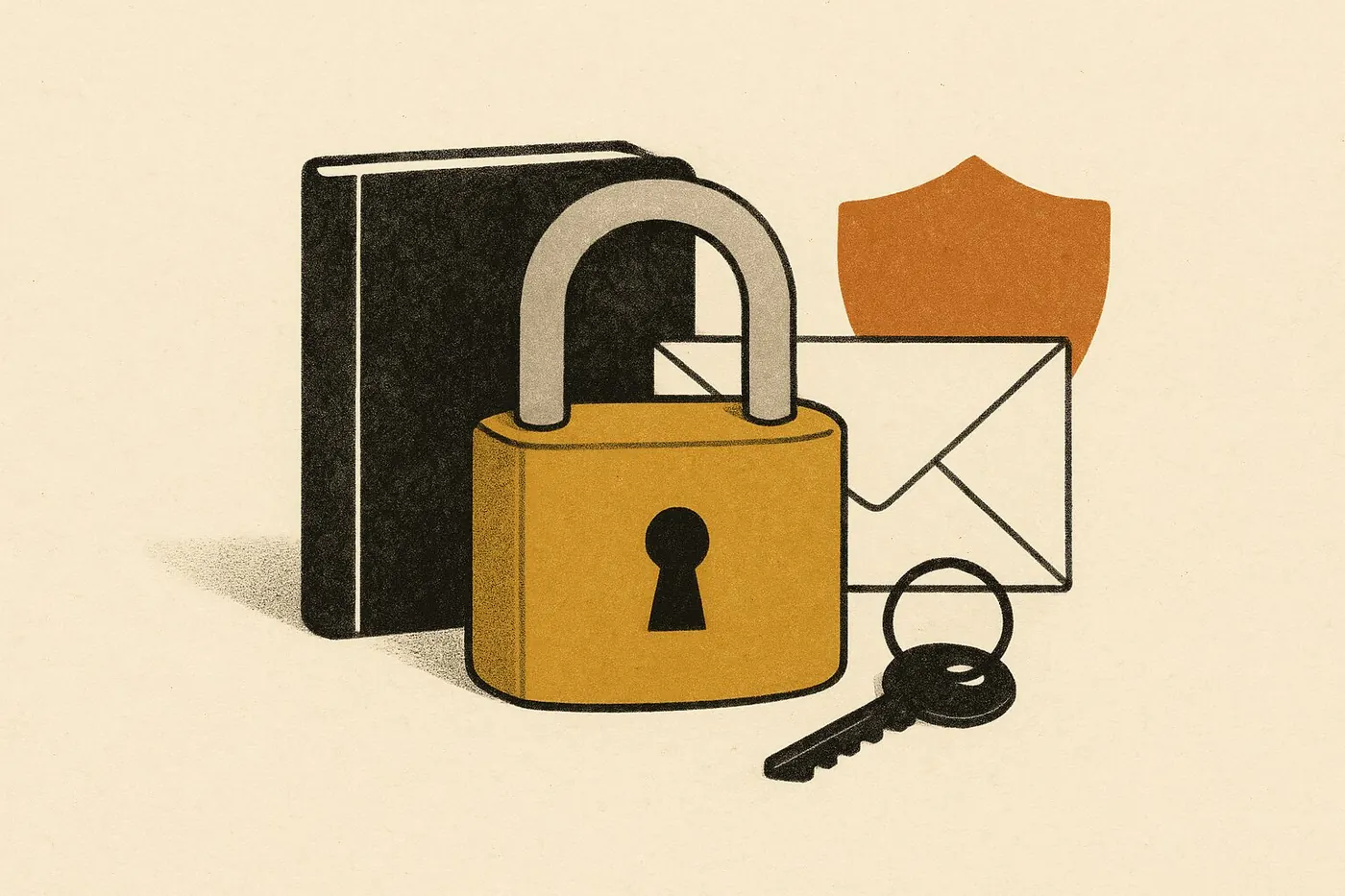
The Security Stack Every Freelance Developer Actually Needs
Going freelance means you are now your own IT department. No corporate VPN, no managed devices, no security team watching your back. One breach and you lose client trust, contracts, and potentially face legal liability.
Here is the security stack that protects your work, your clients, and your reputation without turning your workflow into a nightmare.
Password Management: Stop Reusing Passwords
If you do one thing on this list, make it this. A password manager eliminates the single biggest attack vector for freelancers: credential reuse.
1Password ($3/month) is the industry standard for a reason. It handles SSH keys, API tokens, and shared vaults for client projects. The developer experience is excellent, with CLI integration and browser autofill that actually works.
Bitwarden (free tier available) is the open-source alternative. Self-hostable if you want full control, and the free tier covers everything a solo developer needs. The paid tier ($10/year) adds encrypted file attachments and emergency access.
Pick one. Set it up today. Generate unique 20+ character passwords for every service. This alone eliminates the majority of account compromise risk.
VPN: Protect Your Traffic, Especially on Client Networks
Working from coffee shops, coworking spaces, or client offices means your traffic crosses networks you do not control.
NordVPN is the practical choice for most freelancers. Fast servers, reliable connections, and a kill switch that actually prevents DNS leaks. The 2-year plan brings the cost down to around $3/month.
Mullvad ($5/month, no discounts) is for developers who want maximum privacy. No email required to sign up, accepts cash payment, and their infrastructure has been independently audited. If you handle sensitive client data in regulated industries, Mullvad is worth the premium.
Use your VPN whenever you are on a network you do not own. Period.
Backup Solutions: The 3-2-1 Rule Still Applies
Three copies of your data, on two different media types, with one offsite. This is not optional when client deliverables are on the line.
Backblaze ($7/month) gives you unlimited cloud backup with versioning. Set it and forget it. If your laptop dies tomorrow, you can restore everything. Their B2 storage is also excellent for project archives at $0.005/GB.
iCloud (if you are in the Apple ecosystem) handles device sync and provides a decent secondary backup layer. The 2TB plan ($10/month) covers most freelancers. But do not rely on it as your only backup.
Combine cloud backup with local Time Machine or equivalent snapshots. Test your restores quarterly. A backup you have never tested is not a backup.
Encrypted Email: Client Communication Matters
Standard Gmail or Outlook is fine for most communication, but when you are exchanging credentials, contracts, or sensitive project details, encryption matters.
ProtonMail (free tier available) provides end-to-end encryption and is based in Switzerland. Use it for sensitive client communications. The paid tier ($4/month) adds custom domains so you can maintain your professional email while getting encryption.
At minimum, enable TLS for your existing email provider and never send passwords, API keys, or credentials over unencrypted channels. Use your password manager's secure sharing feature instead.
Two-Factor Authentication: Non-Negotiable
Enable 2FA on every account that supports it. Every single one.
Hardware keys (YubiKey, $25-50) are the gold standard. Phishing-resistant and impossible to intercept remotely. Get two, keep one as a backup in a secure location.
TOTP apps (Authy, the 1Password built-in authenticator) are your second-best option. They are significantly better than SMS-based 2FA, which is vulnerable to SIM swapping.
Priority order for enabling 2FA: email accounts first, then GitHub/GitLab, cloud hosting, banking, and client platforms. Do your email accounts today.
Secure Client Data Handling
This is where freelancers get sloppy and where the real liability lives.
Encrypt your drives. FileVault on Mac, BitLocker on Windows. Full-disk encryption should be enabled on every device that touches client work.
Separate client environments. Use different browser profiles or containers for each client. Never mix personal browsing with client work sessions. Consider separate user accounts on your machine for high-security clients.
Secure file sharing. Stop emailing ZIP files. Use encrypted sharing through Tresorit, or at minimum, password-protected links through your cloud provider. Delete client data when the contract ends unless retention is specified.
Contracts should include security clauses. Specify how you handle data, what happens at project end, and your liability limits. This protects both sides.
Device Security Basics
The fundamentals that every freelancer should have locked down from day one:
- Automatic OS updates enabled. No exceptions, no delays.
- Firewall on. macOS and Windows both ship with firewalls. Make sure yours is active.
- Screen lock at 1 minute idle. Your laptop at a coffee shop is an open door otherwise.
- Remote wipe capability. Enable Find My Mac or equivalent. If your device is stolen, you need to nuke it immediately.
- Separate admin and daily-use accounts. Do not run as admin for everyday work.
Incident Response: What to Do When Things Go Wrong
Even with good security practices, incidents happen. Have a plan before you need one.
If you suspect account compromise:
- Change passwords immediately, starting with email and banking
- Revoke all active sessions (most services have this option)
- Check for unauthorized activity in account logs
- Enable additional authentication if not already present
- Notify affected parties (clients if their data may be involved)
If a device is lost or stolen:
- Remote wipe immediately (do not wait to "see if it turns up")
- Change passwords for any accounts accessible from that device
- Revoke API keys and tokens that were stored on the device
- Notify clients whose data was on the device
- File a police report (often required for insurance claims)
If you discover a vulnerability in client code:
- Document the issue clearly
- Report to the client through secure channels (not email)
- Do not disclose publicly or to third parties
- Work with the client on remediation timeline
- Get written confirmation when the issue is resolved
Security Maintenance Calendar
Security is not set-and-forget. Schedule these maintenance tasks:
Monthly:
- Review password manager for unused accounts (delete them)
- Check for software updates on all devices
- Review connected apps and revoke unnecessary permissions
Quarterly:
- Test backup restoration (actually restore a file)
- Review 2FA backup codes (make sure you can still access them)
- Update emergency contact information
- Review client data retention (delete what you no longer need)
Annually:
- Update contracts with current security clauses
- Review and update your incident response plan
- Evaluate tools for better alternatives
- Complete a security audit of your own practices
Putting It Together
Your minimum viable security stack costs under $20/month: a password manager, a VPN, cloud backup, and 2FA everywhere. That is less than most developers spend on coffee in a week. The premium stack with YubiKeys, Mullvad, and Backblaze runs about $50/month, which is still trivial compared to the cost of a breach.
If you are transitioning from full-time employment to freelance, security setup should happen in your first week, not after your first incident. The corporate security team you took for granted is gone. You are the security team now.
Not sure where to start with your transition? Take our assessment to figure out your next move and what you need to prioritize.
The tools listed here are not theoretical. They are what working freelance developers actually use to protect themselves and their clients. Set them up once, maintain them quarterly, and you will never have to explain a breach to a client. The hour you spend on security setup is worth infinitely more than the hundred hours you would spend recovering from a preventable incident.
Ready to find your pivot?
Take our 5-minute assessment and get a concrete action plan, tool recommendations, and a 30-day roadmap tailored to your exact situation.
Find Your Pivot