Designer Portfolio and Interview Prep for AI-Adjacent Roles
How designers can update portfolios and interview stories for AI-adjacent roles in 2026 without needing direct machine learning experience.
Ian Cummings
2x Founder, Game Developer
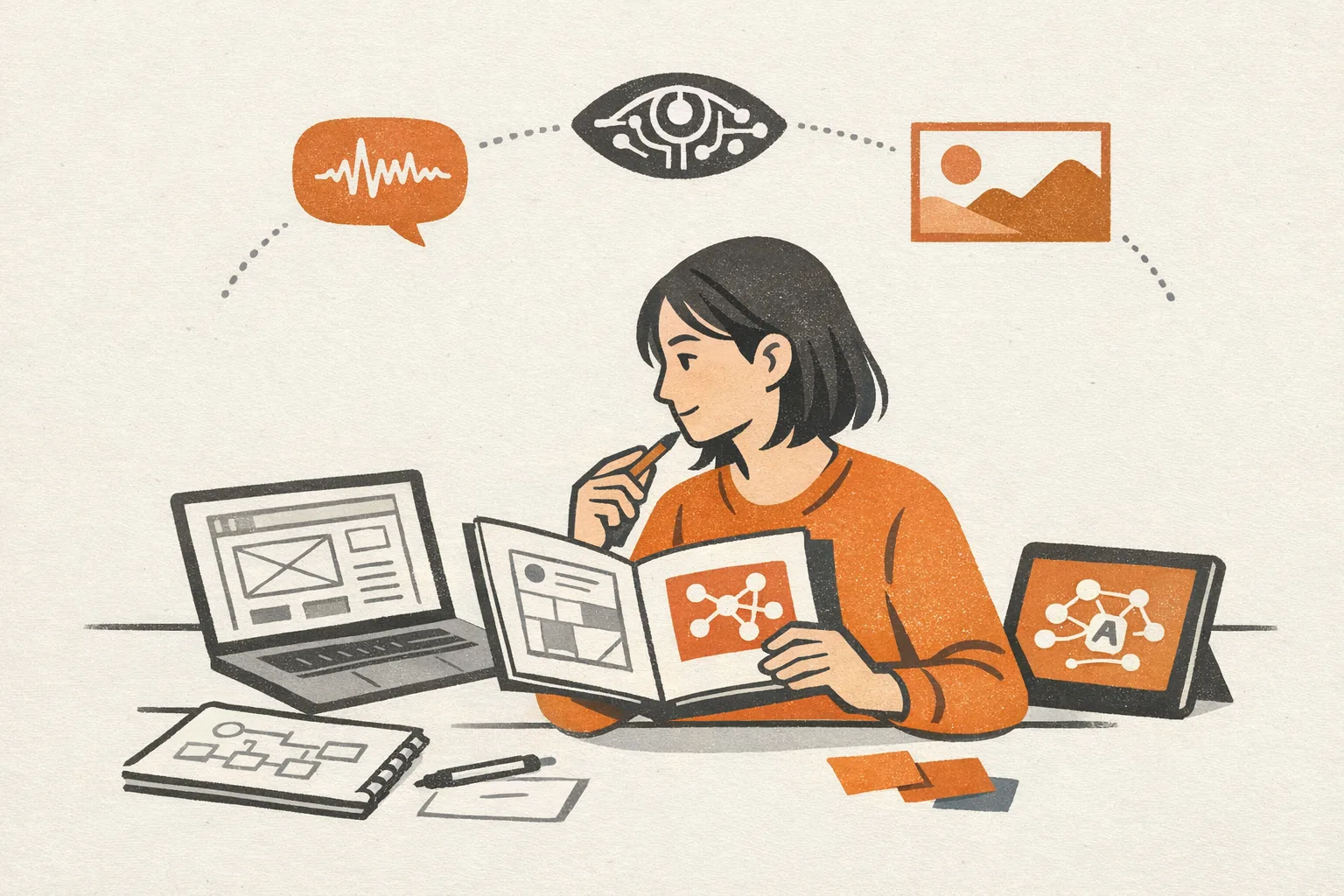
Designer portfolio and interview prep for AI-adjacent roles in 2026
A lot of designers are not trying to become "AI designers." They are trying to stay employable, tell a clearer story, and move into roles that still value product thinking, research judgment, systems thinking, and communication.
That is why portfolio and interview prep matters more than trend-chasing. If you are exploring AI-adjacent roles, the fastest path is usually not learning everything about machine learning. It is repositioning the work you already know how to do so hiring teams can see the overlap.
If you are still mapping the broader market first, start with our guide to AI jobs for designers. This article is the practical follow-up: how to package your experience for interviews and portfolios.
What counts as an AI-adjacent role for designers?
For most designers, AI-adjacent roles sit close to product, workflow, trust, and usability problems rather than model-building.
Common examples include:
- Product designer for AI-powered features
- Conversation designer for assistants and support flows
- UX researcher focused on human-AI interaction
- Design systems designer working on AI states and patterns
- Content designer for prompts, onboarding, and error recovery
- Service designer for AI-enabled internal tools
- Trust, safety, or governance-adjacent design roles
These jobs usually reward designers who can reduce ambiguity, improve adoption, and make complex systems understandable.
What hiring managers want to see now
Most hiring teams are not expecting a designer to have trained models or built deep technical infrastructure. They are looking for evidence that you can design around uncertainty.
That usually means showing that you can:
- turn vague product goals into usable workflows
- handle low-confidence outputs and edge cases
- design for review, correction, and fallback paths
- explain tradeoffs between speed, accuracy, and trust
- collaborate well with product, engineering, data, and operations
- measure whether a feature actually helps users
In other words, your portfolio should make you look like a strong problem solver in messy systems, not just a maker of polished screens.
How to reposition existing portfolio projects
You do not need every case study to be about AI. You need your case studies to highlight the parts of your work that transfer well into AI-adjacent teams.
Good signals to emphasize:
- You simplified a complex workflow
- You designed for exceptions, not just happy paths
- You improved search, recommendations, ranking, or decision support
- You worked with incomplete data or changing requirements
- You created guardrails, review steps, or quality checks
- You balanced automation with human control
A strong rewrite is often enough.
Instead of saying:
- "Redesigned the dashboard for a cleaner experience"
Try:
- "Redesigned a high-volume decision workflow to reduce cognitive load, improve confidence, and make exceptions easier to review"
Instead of saying:
- "Improved onboarding conversion"
Try:
- "Reduced drop-off in a multi-step onboarding flow by clarifying system behavior, setting expectations, and improving recovery when users got stuck"
That language better matches how AI-adjacent teams think about product risk and usability.
The best portfolio structure for this pivot
For a designer targeting AI-adjacent roles, three strong case studies are usually enough.
A useful mix looks like this:
-
A workflow case study
Show how you improved a complex task, internal tool, or multi-step product flow. -
A systems case study
Show design systems, content patterns, governance, or cross-functional decision-making. -
A trust or ambiguity case study
Show how you handled unclear outputs, user hesitation, quality issues, or operational constraints.
Each case study should answer five questions quickly:
- What was the user problem?
- Why was it hard?
- What constraints shaped the solution?
- How did you make decisions?
- What changed after launch?
If you can answer those clearly, you already look more senior and more relevant.
What to include in each case study
Many designers over-index on visuals and under-explain judgment. For AI-adjacent roles, judgment is the product.
Include:
- the original problem statement
- who the users were
- what uncertainty existed in the system
- what failure modes you considered
- how you tested assumptions
- what tradeoffs you made
- what metrics or qualitative outcomes improved
Helpful artifacts can include:
- workflow maps
- decision trees
- prompt or content iterations
- error-state explorations
- review and approval flows
- research synthesis
- before-and-after task paths
You do not need to publish confidential details. You do need to show how you think.
Portfolio mistakes that hurt designers making this pivot
A few patterns make otherwise strong candidates look weaker than they are.
1. Too much visual polish, not enough reasoning
Beautiful mockups help, but they do not prove you can design for probabilistic systems, operational complexity, or user trust.
2. No mention of edge cases
AI-adjacent products break in messy ways. If your work only shows ideal flows, hiring teams may assume you have not thought deeply about failure.
3. Generic process language
"I followed the design thinking process" is not memorable. Specific constraints, tradeoffs, and decisions are.
4. Weak collaboration stories
These roles are cross-functional by default. If your portfolio makes it sound like you worked alone, it can hurt you.
5. No outcomes
Even directional outcomes are better than none. Mention adoption, reduced support burden, faster task completion, improved confidence, or fewer errors when you can.
How to prep for interviews
Interview prep matters because many designers can update a portfolio, but fewer can explain their work crisply under pressure.
For AI-adjacent roles, prepare stories around:
- designing with uncertainty
- handling low-quality or inconsistent outputs
- balancing automation and user control
- collaborating with technical and non-technical stakeholders
- deciding what should be automated versus reviewed by humans
- improving trust without adding too much friction
A simple structure works well:
- context
- problem
- constraints
- options considered
- decision made
- outcome
- what you would change now
That last part matters. Teams want reflective designers, not just polished storytellers.
Interview questions you should expect
Expect some version of these:
- How would you design for a system that is sometimes wrong?
- How do you help users build trust without overpromising?
- When should a human stay in the loop?
- How do you design fallback behavior?
- How do you evaluate whether an AI-assisted feature is useful?
- Tell me about a time requirements changed late and how you adapted.
You do not need perfect AI-specific answers. You need grounded product answers.
A strong designer answer sounds like this
A strong answer usually includes:
- what the user was trying to accomplish
- what could go wrong
- how the interface set expectations
- how users could verify or correct outputs
- how the team monitored quality after launch
A weak answer usually stays abstract and never gets to user behavior, risk, or measurement.
If you do not have direct AI project experience
That is normal. Many good candidates do not.
You can still be credible by showing adjacent experience in:
- search and discovery
- recommendations
- workflow automation
- support tooling
- content-heavy products
- internal tools
- analytics or decision support
- onboarding and education
If needed, create one small speculative project that demonstrates your thinking. Keep it narrow. For example:
- redesign an AI writing assistant's review flow
- improve a support chatbot handoff to humans
- create a trust-focused onboarding flow for an AI feature
- map failure states for an AI-powered search experience
One thoughtful project is better than five shallow ones.
A practical 2-week prep plan
If you want structure, use this:
Days 1-3
- pick 2-3 target role types
- rewrite your headline and about section
- choose 3 portfolio projects to reposition
Days 4-7
- rewrite one case study per day
- add tradeoffs, edge cases, and outcomes
- remove extra visuals that do not support the story
Days 8-10
- prepare 6 interview stories
- practice concise answers out loud
- tighten examples of collaboration and decision-making
Days 11-14
- do mock interviews
- ask a peer to review your portfolio for clarity
- apply to a focused list of roles, not everything
Consistency beats intensity here.
Where this fits in a broader career pivot
If you are a designer trying to stay resilient, this is often the highest-leverage move: do not start from zero, and do not market yourself too narrowly.
Position yourself as a designer who can make complex systems useful, trustworthy, and adoptable. That story travels well across product design, research, content design, systems work, and AI-adjacent teams.
If you want a broader read on pivot options beyond design-specific roles, our roundup of adjacent roles for technical workers can help you compare paths.
Final takeaway
The best portfolio for AI-adjacent design roles is not the one with the most futuristic visuals. It is the one that proves you can think clearly in ambiguous systems, communicate tradeoffs, and design for real user behavior.
That is what teams hire for.
And for most designers, that is a much more realistic pivot than trying to become an AI specialist overnight.
Ready to find your pivot?
Take our 5-minute assessment and get a concrete action plan, tool recommendations, and a 30-day roadmap tailored to your exact situation.
Find Your Pivot